
Analytics & Attribution

Prove SEO and AI are sending you customers - in your own numbers.

By default, GA4 scatters AI referrals across Referral, Organic Social and Unassigned. You can't manage a channel you can't see. We make both organic and AI reportable.

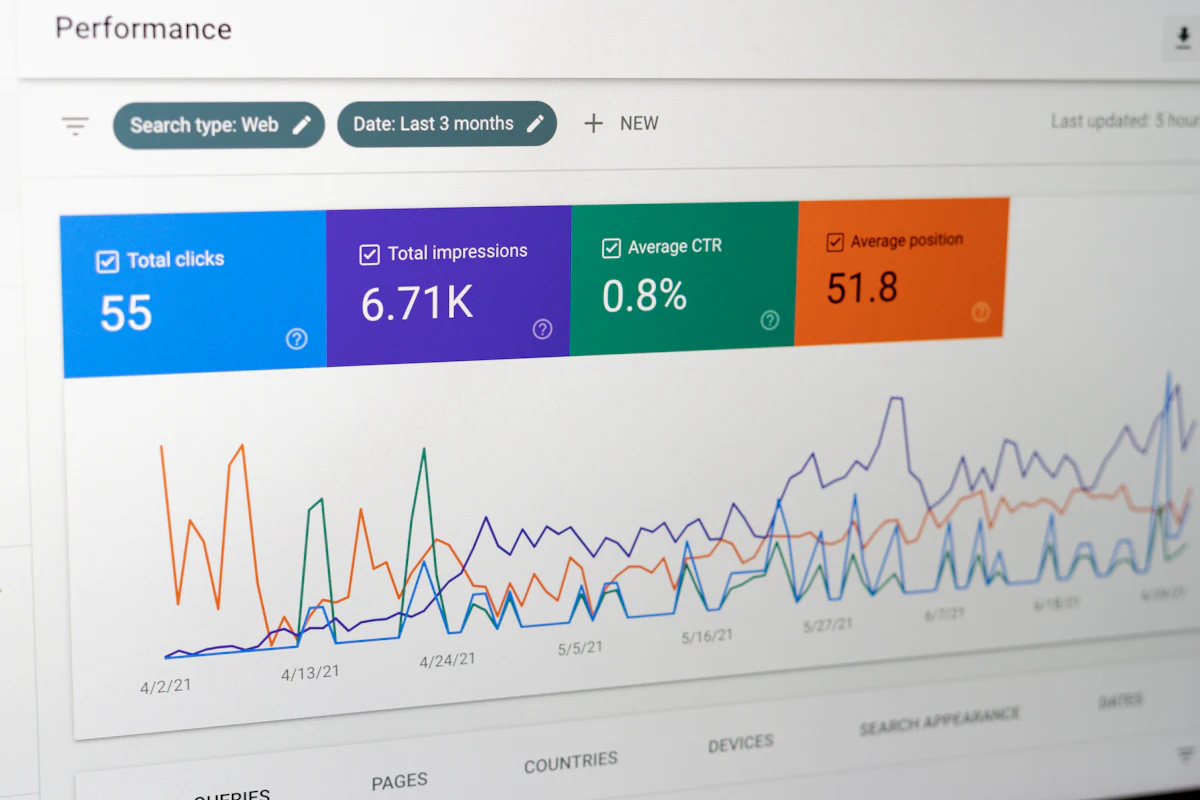
A search performance screen with clicks, impressions and position figures above a trend line
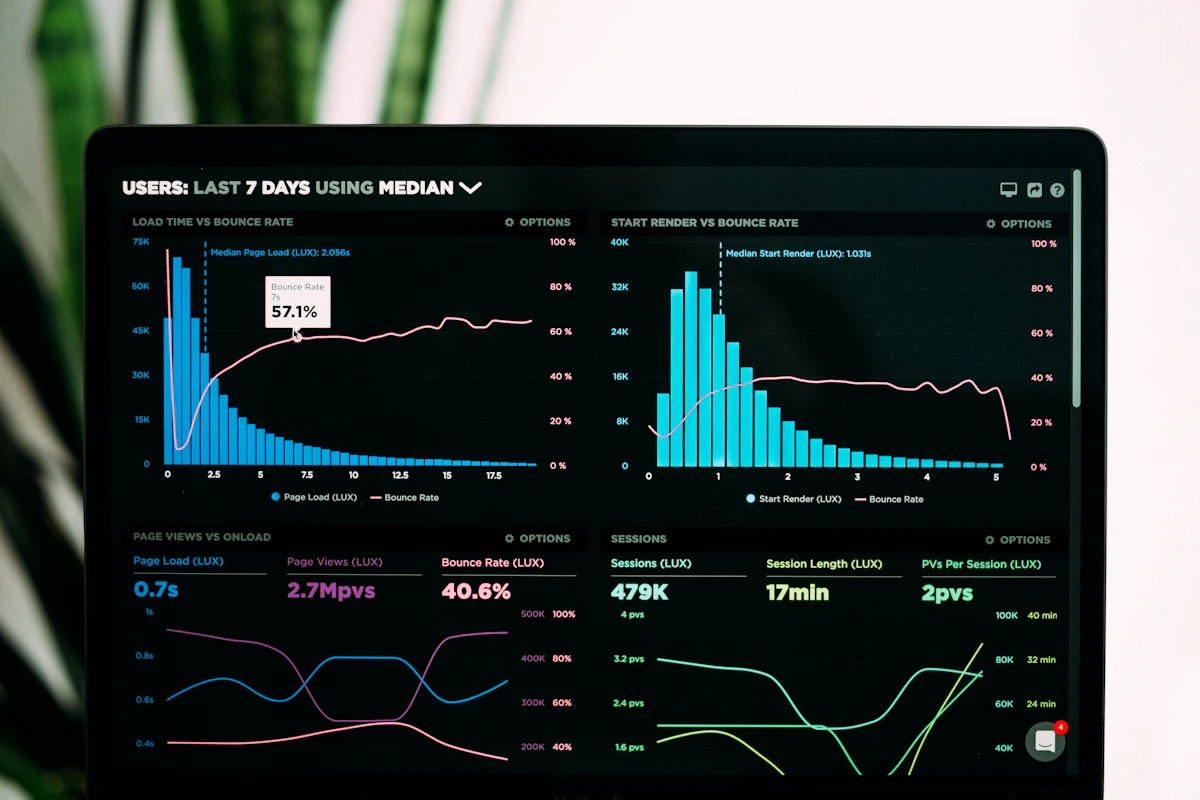
A laptop showing a dark analytics dashboard with traffic charts
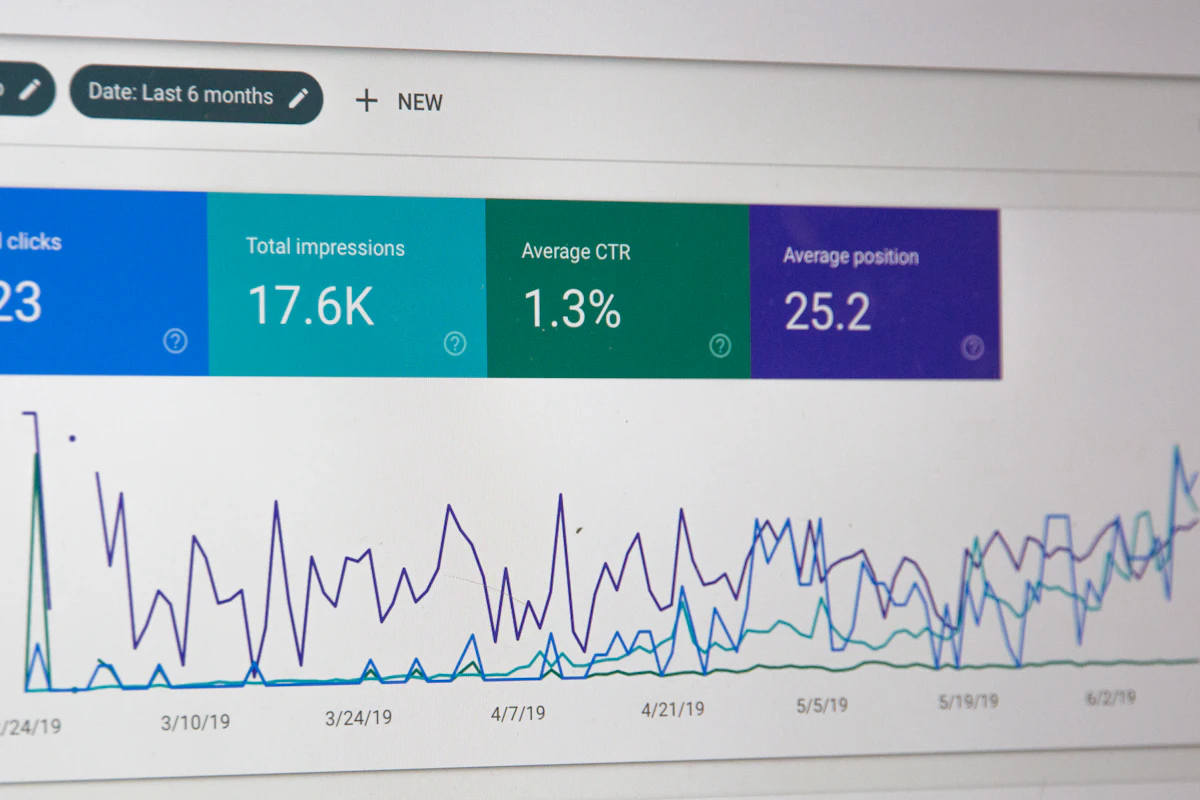
A green trend line chart on a screen

What it is

A custom GA4 configuration, automated Share-of-Voice monitoring, and defensible three-scenario projections.
What we do
  • Build a custom GA4 channel grouping with a full AI referrer regex (chatgpt.com, perplexity.ai, claude.ai, gemini.google.com, copilot.microsoft.com and more), updated quarterly.
  • Overlay brand-search lift in GSC against citation peaks to evidence downstream impact.
  • Automate SoV and competitive-displacement monitoring with drift and decay alerts.
  • Build a citation-velocity curve and a referral-value model - conservative/base/optimistic with stated assumptions, labelled a CPC-equivalent proxy, never booked revenue.

What you get

A live dashboard, a bi-weekly one-page scorecard, and projections you can defend to a CFO.
Honesty note
No single-point projections; no proxy dressed up as revenue. Ranges with assumptions build more trust than a hero number.
Related services

Measurement, in depth

How to measure organic and AI traffic you can trust

SEO and AI search analytics is the practice of configuring GA4, Google Search Console and AI visibility tracking so organic and AI-assistant traffic are reported as their own channels and tied to leads and revenue. EliteLeadGrow builds the channel groupings, monitors share of voice, and presents projections as labeled ranges with stated assumptions, never as booked revenue.

WebsiteBusiness ProfileDirectoriesReviewsPress mentionsSchemaYour business

Why do AI referrals end up in the wrong GA4 channel?

Short answer

GA4's default channel rules sort sessions by source and medium, and AI assistants do not fit the default categories. A visit that arrives from an assistant is usually an ordinary referral from a domain such as chatgpt.com or perplexity.ai, so it lands in Referral. A visit from an app that sends no referrer lands in Direct.

The detail

Some assistants tag outbound links with a utm_source parameter and others do not, which splits one source across several channels. A custom channel group matches those domains and parameters and places them in a single AI channel.

It cannot recover visits that carry no source information at all. For that reason the report states that its AI referral figure is a floor, not a full count.

What can analytics prove about AI search, and what can it only suggest?

Short answer

Analytics proves what happened on your site and suggests what happened before the visit. Each signal has a limit, and the report says which is which.

What can analytics prove about AI search, and what can it only suggest?

SourceYour website
Analytics proves what happened on your site and suggests what happened before the visit.
Signals, sources and their limits
SignalWhere to see itWhat it can showWhat it cannot show
AI referral sessionsGA4 custom channelPeople who clicked a link inside an assistantReaders who saw the answer and never clicked
Brand searchSearch ConsoleWhether more people look for the business by nameWhich assistant or answer prompted the search
Direct traffic trendGA4A rise that may follow wider awarenessAny single cause, since direct mixes many sources
Self-reported sourceA 'how did you hear about us' fieldCustomers naming an assistantA full count, because many people skip the field
Share of voicePrompt trackingHow often the business is named next to competitorsRevenue
AI crawler hitsServer logsThat a bot fetched a pageThat a person saw it, since a fetch is not a referral

How do you measure AI influence when nobody clicks?

Short answer

You triangulate. Brand-search lift, a self-reported source field and CRM data are read together with share-of-voice trends, and the report labels the result as correlation unless a customer's path is recorded.

The detail

The most direct evidence is often the simplest: asking. A line on the contact form and in the call script captures the cases that analytics cannot see, and the CRM lets us follow those leads through to closed deals.

How is a three-scenario projection built?

Short answer

From three stated assumptions: how often the business is cited, how many people click when it is, and how many of those visitors convert on your site. Each is taken from your own data where it exists.

The detail

The conservative, base and optimistic scenarios change those inputs and show the arithmetic. The value is expressed as a CPC-equivalent proxy, meaning what the same visits would cost to buy as paid clicks, and is labeled that way. Where we have no data for an input, we say so and use a visible placeholder you can overwrite. The output is a range with its assumptions, so a finance lead can challenge any line.

How is a three-scenario projection built?

SourceYour website
From three stated assumptions: how often the business is cited, how many people click when it is, and how many of those visitors convert on your site.

What should a monthly SEO and AI report contain?

Short answer

It should contain the numbers that decide something, and leave out the ones that only look good. Every item below connects to an action in the next month's plan.

  • Organic sessions and conversions, with non-branded traffic separate from branded
  • AI referral sessions and conversions by assistant
  • Share of voice by assistant for the fixed prompt set, with the number of runs behind it
  • Indexed pages, impressions and average position by page group
  • What changed on the site this month, so movement can be traced to causes
  • The plan for next month and why
  1. Baseline
  2. Fix
  3. Publish
  4. Measure

What access does measurement setup need?

Short answer

We need editor access to GA4 and Google Tag Manager, full access to Search Console, and read access to the CRM or to whoever records closed deals.

The detail

Before wiring anything we agree what counts as a conversion. A form fill is not a customer, so we define events with you (calls, bookings, qualified leads) and feed closed-deal status back where the CRM allows it.

How we set up measurement

  1. Audit current tracking

    Check existing GA4 events, duplicate tags and how conversions are defined today.

  2. Build the channels

    Create the AI channel group, conversion events and filters for internal traffic.

  3. Connect the sources

    Link Search Console, prompt tracking and the CRM so one view covers the whole path.

  4. Report and recalibrate

    Send the scorecard and refresh the referrer list as new assistants appear.

Questions

Analytics questions

Not as its own channel. Visits from assistants appear as ordinary referrals or as Direct, mixed with other traffic. A custom channel group is needed to separate them.

Few assistant answers produce clicks, and many visits carry no referrer. Small numbers are normal for a new channel, so we judge it by trend and conversion rate measured the same way each month.

Only where a customer's path is recorded, such as a referral visit that converts or a customer who names the assistant. Otherwise we report a labeled proxy and say it is a proxy.

It is the share of sampled answers, for a fixed set of buyer prompts, that name your business compared with its competitors. It is a visibility measure, not a revenue measure.

We work in GA4 by default. If you use another tool, we check at the start whether it can separate AI referrers and tell you what it can and cannot report.

Tags add scripts, so we audit what is installed, remove unused ones and load the rest through Tag Manager. Setup should leave the site no slower than before.

You get a live dashboard and a one-page scorecard every two weeks, plus the fuller monthly report with changes and the plan for the next month.

Keep reading

Set up measurement

Make AI traffic visible

We review your GA4, Search Console and call tracking, then show which channels you can already report and which are hidden.